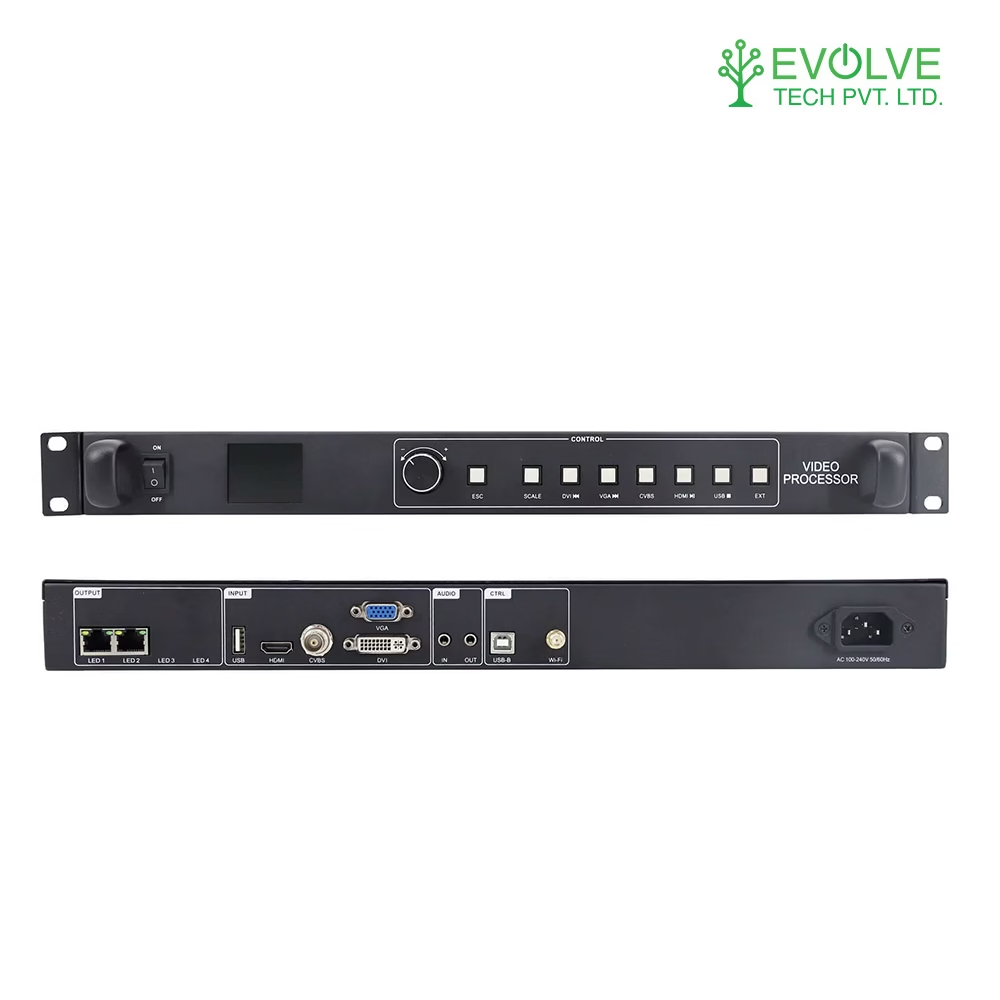
Huidu VP210H
| Key | Description |
| Power switch | Controls AC power inpu |
| LCD display | Debugging displays menus, screen parameters and other information |
| IR | Receive infrared remote control |
| MENU | Press the knob to enter submenu or confirm selection Rotate the knob to select menu items or adjust parameters |
| ESC | Escape key/return key |
| SCALE | Partial/full screen switch button |
| HDMI1 | Select HDMI signal to play/play the previous U disk program |
| HDMI2 | Select HDMI signal to play/play the next U disk program |
| DVI | Select DVI signal playback/U disk program playback and pause |
| VGA/CVBS | Select VGA/CVBS signal playback |
| USB | Select to play U disk program/stop playing U disk program |
| FREEZE | Freeze with one click |
Not sure which pitch you need?Use the 30-second pitch finder on our homepage, or send us the room.
Find my pitch →